


Categories
Show allCommunity Videos – Expert Insights & Tutorials
Explore a curated collection of professional videos covering key areas such as Management, Design, Requirements Engineering, Software Development, Testing, and IT Operations. Dive into specialized topics, including Cybersecurity, Invision Community, and E-Commerce strategies. Share your expertise by contributing videos that fit our focus areas and help others grow. Start learning, collaborating, and innovating today!


NEW ClickUp Whiteboard View -- Can ClickUp replace Miro?
By
💫 Jimi Wikman ·
Here's Layla at ProcessDriven's first impressions of the brand-spankin' new ClickUp Whiteboard View to organize creative thoughts. Do you think ClickUp can really replace Miro, Whimsical, or Mural? Only time will tell.
NOTE: This was recorded at 7AM prior to ClickUp's LevelUp 2021 teaser of what Whiteboard will become. The features they mentioned during LevelUp (which should expand this functionality) include:
Docs and other files to be dragged into the board, but now it's only uploading images. Creating and sorting tasks IN whiteboard as a primary view. Whiteboards in Dark mode Eventually, connectors will be able to correspond with relationships not just visual connections for visual purposes.
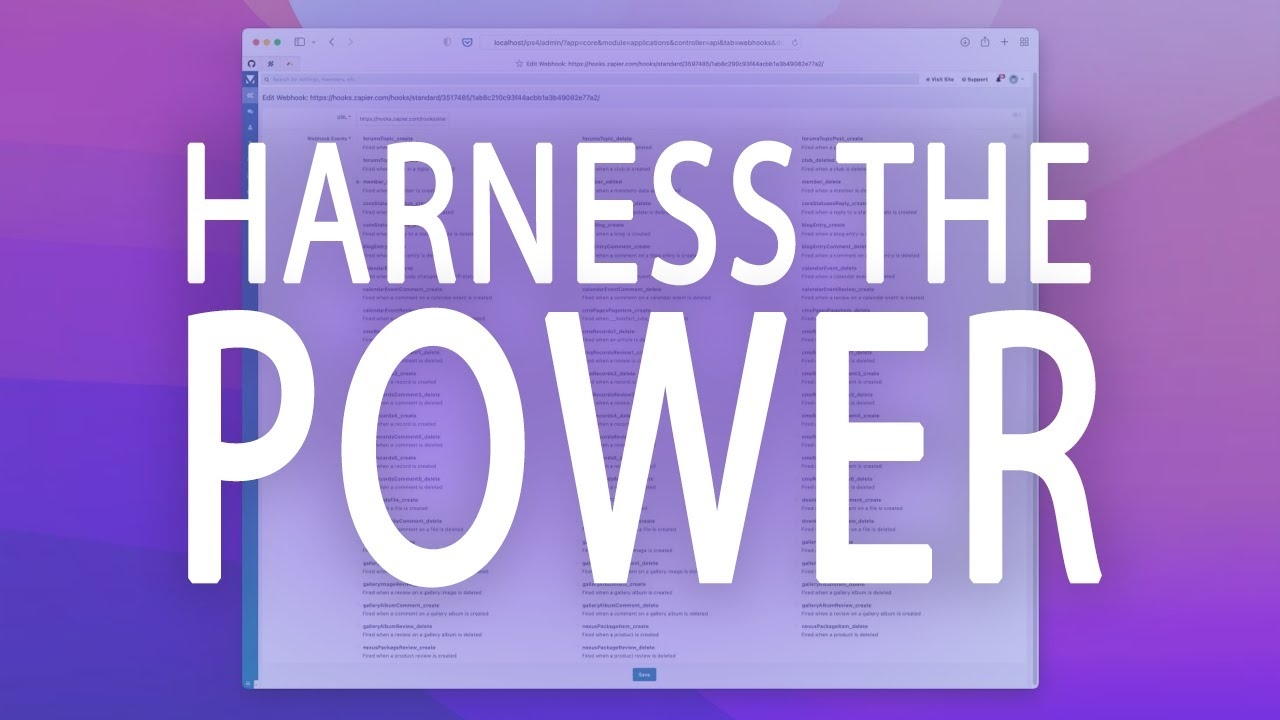
Take your community to the next level with webhooks
By
💫 Jimi Wikman ·
One of the greatest benefits of integrating with Invision Community is instant expanded functionality. This is often done through an API (application programming interface), which allows our platform to seamlessly communicate with third-party developed software like Google, Zapier and SendGrid.
We also use webhooks to integrate. Webhooks allow other services and applications to stay in sync with your community data or to perform an action after a specific event occurs in your community.
We spoke with one of our developers, who walks us through webhooks, explains why they’re useful and shows us an example.

Atlassian Community Round-up: January 2021

By
⚜️JimmyTalksJira ·
Don't forget to comment or reach out to me on Twitter if you have topics you would like to see me cover in the future: https://twitter.com/JimmyTalksJira Background music courtesy of
NDA: https://nda.band/songs/db/index.php ©NDA
Be sure to join the Atlassian Online Community, there are tons of Atlassian Customer just like you and me there to help each other every single day: https://community.atlassian.com/


What is ClickUp?
By
💫 Jimi Wikman ·
Check this out to see what all the fuss is about and see how over 100,000 highly productive Teams have changed how they work forever.
Want to create more, faster?
Get started here: https://app.clickup.com/ Connect with our team.


Atlassian plans 2022 - New series on how to set up Jira & Confluence for success
By
💫 Jimi Wikman ·
Please drop by Apetech to say hi to Alex and watch more Atlassian content. https://www.youtube.com/channel/UCK_Q...
My original articles that will be updated: https://jimiwikman.se/articles/intere...

Bramus Van Damme – CSS — Understanding the Cascade
By
💫 Jimi Wikman ·
Atlassian Community Round-up: January 2021
By
💫 Jimi Wikman ·
Jira Administration Project Settings Part 3 - Connections & Summary
By
💫 Jimi Wikman ·


My Latest Videos
-
Why does your team keep missing sprint commitments even when everyone is working hard? The answer isn't effort, it's capacity planning done wrong. In this episode, Alex and Atlassian expert Jimi Wikman have a brutally honest conversation about what capacity management really is, why most teams get it completely backwards, and what you can actually do about it. If you've ever watched a sprint fail and wondered why this video is going to hit home. 👉 What we cover: 🤔 Capacity management vs. resourc
-
Jira,
-
-
Is your team overloaded, underutilized, or just completely unplanned? You're not alone. In this episode, Alex sits down with Atlassian expert Jimi Wic\kman for a no-fluff, honest conversation about resource management and capacity planning, what they are, why most teams get them wrong, and how to actually do them right inside Jira. Whether you're a project manager, line manager, or scrum master trying to get a handle on your team's workload, this one is packed with real-world advice you can use
-
Atlassian Assets is no longer just a JSM feature — it's now a full platform app. But is it actually ready for real-world admins? In this episode, Alex and Jimi go head-to-head with completely opposite takes on one of Atlassian's most ambitious tools. One of them loves it. One of them hates it. Both of them have the scars to prove it. ⚡ What we cover: 📦 How Insight became Assets — and why the cloud version was a disaster at first 🔧 Why setting it up wrong is worse than not using it at all 📊 Dat
-
Are Atlassian's constant updates helping or hurting your business? In this episode, we dive deep into Atlassian's release cadence — from Jira Cloud's new seasonal releases to the chaotic flood of daily changes across Confluence, JSM, and more. We talk about the real-world pain of broken documentation, renamed features, removed functionality, and being blindsided by changes mid-client engagement. If you manage Atlassian tools for your organization or customers, this one will hit close to home. ⏱
-
Unsure how to handle ambiguity during sprint planning? In this video, we break down the concept of agile spikes — what they are, when to use them, and how to structure them so your team stays focused without going down rabbit holes. We explore how to use epics as discovery drivers, why time-boxing investigations beats open-ended estimates, and how the Three Amigos framework (product owner, developer, and tester) ensures the right people are involved in requirement discovery. You'll also learn ho
-
When Atlassian announced that they were looking into individual resource planning, I was super excited! When I witnessed the first post on how they are thinking about implementing it, I was heartbroken... This is my BRUTALLY honest opinion on the suggested setup of individual capacity planning... in Jira. You can expect a deep dive into resource management, resource planning, and how I would do it if I had a position at Atlassian. Enter at your own peril.
-
Jira,
-
-
If you want to automate so you can send out emails when Assets date attributes are within a certain range, then this is the video for you. In this video, I show you how to create a simple automation that can check a date attribute in Asset objects, and based on how many days there are to that date, an email will be sent out. This is great for getting notified when it is time to renew licenses or certificates, for example.







