Skip to content
View in the app

A better way to browse. Learn more.

JimiWikman.se

A full-screen app on your home screen with push notifications, badges and more.

To install this app on iOS and iPadOS
  1. Tap the Share icon in Safari
  2. Scroll the menu and tap Add to Home Screen.
  3. Tap Add in the top-right corner.
To install this app on Android
  1. Tap the 3-dot menu (⋮) in the top-right corner of the browser.
  2. Tap Add to Home screen or Install app.
  3. Confirm by tapping Install.

App Reviews: Automated Release Notes for Jira

By ⚜️JimmyTalksJira ·
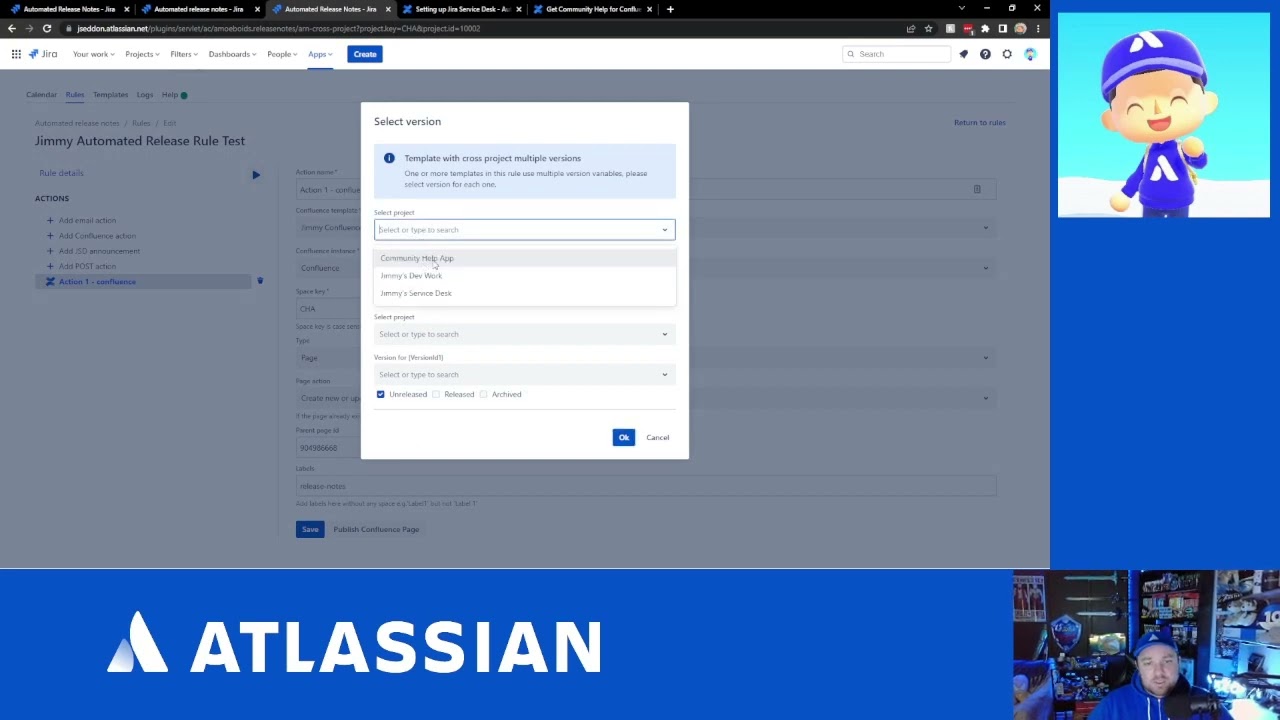
Today I'm reviewing the app: Automated Release Notes for Jira by Amoeboids. You can find it on the Atlassian Marketplace here: https://marketplace.atlassian.com/apps/1215431/automated-release-notes-for-jira?hosting=cloud&tab=overview You can also find me on Twitter: https://twitter.com/JimmyTalksJira Background music courtesy of NDA: https://nda.band/songs/db/index.php ©NDA Be sure to join the Atlassian Online Community, there are tons of Atlassian Customer just like you and me there to help each other every single day: https://community.atlassian.com/

How to Share a Filter and Dashboard | Atlassian Jira

By ⚜️apetech ·
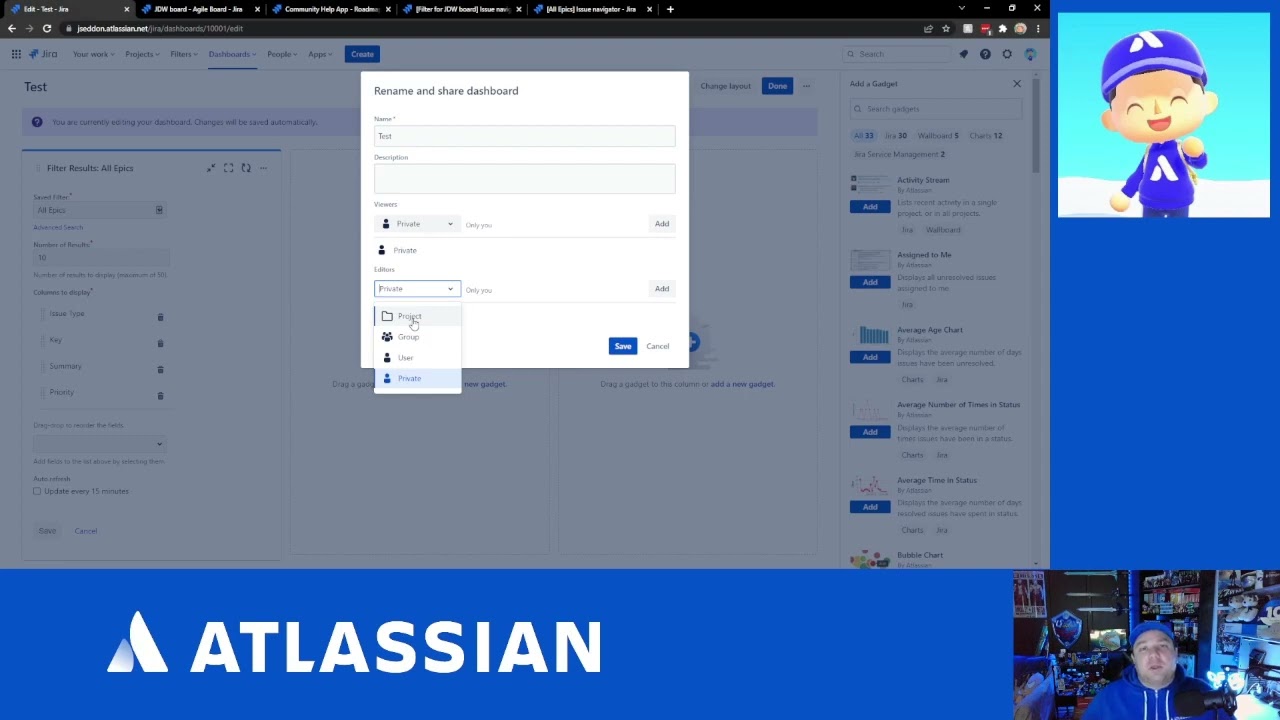
In this #Atlassian #Jira video you are going to learn how share private filters and dashboards. This video is designed for beginners to help you understand how Jira #Automation works. I'll walk you through an example on how to auto-assign issues when they are created. This just an example and it's designed to just introduce you to the basics of creating an automation rule. Jira is a that works for everyone. Do not miss out on this learning opportunity. When you are creating a new project, you have a lot of different options. I'll walk you through all the other project templates and give you a breakdown for what they are used for. If you've ever wondered what other types of Jira projects you could create as a Jira administrator, look no further than this helpful tutorial. If you haven't already, I recommend you check out my previous videos on how to create a Jira project. This video is the next logical step in my introduction to Jira series. After you have created your very first Jira project, it is time to start exploring the user interface. Learning the basics here can really help you down the road. Knowing how to find the information that is most critical to you and being savvy on where things are contained within the world of Jira are going to give you an edge over your teammates. If you like this video, please make sure to give it a thumbs up. If you haven't already, please consider subscribing. If you have any questions about anything discussed so far, please feel free to make sure you leave your question in the comments section. Link to my other Atlassian Jira videos https://www.youtube.com/playlist?list=PLqWD37Mj2te2xeDcFWb4Vw1pvX5gHfWgy Link to my Atlassian Live Streams: https://www.youtube.com/playlist?list=PLqWD37Mj2te1QN1j7v-9jjCrp8Hty6dja Link to Atlassian's Jira products: https://www.atlassian.com/software Link to my Fiverr profile: https://www.fiverr.com/alexortiz924?up_rollout=true Link to my Upwork profile: https://www.upwork.com/freelancers/~01d55ed1a24784cd93 Link to my personal website https://www.apetech.me/

The Bento Methodology: Explained

By 💫 Jimi Wikman ·
The Bento Methodology helps you guide a path for your daily priorities. This video will explain the Bento Method and the process of managing your tasks day to day. Today, we launched the Bento app on iOS and it also launched on Product Hunt: https://www.producthunt.com/posts/ben...

How to auto assign an issue | Atlassian Jira

By ⚜️apetech ·
In this #Atlassian #Jira video you are going to learn how to make rules to auto assign #issues. Jira is a that works for everyone. Do not miss out on this learning opportunity. When you are creating a new project, you have a lot of different options. I'll walk you through all the other project templates and give you a breakdown for what they are used for. If you've ever wondered what other types of Jira projects you could create as a Jira administrator, look no further than this helpful tutorial. If you haven't already, I recommend you check out my previous videos on how to create a Jira project. This video is the next logical step in my introduction to Jira series. After you have created your very first Jira project, it is time to start exploring the user interface. Learning the basics here can really help you down the road. Knowing how to find the information that is most critical to you and being savvy on where things are contained within the world of Jira are going to give you an edge over your teammates. If you like this video, please make sure to give it a thumbs up. If you haven't already, please consider subscribing. If you have any questions about anything discussed so far, please feel free to make sure you leave your question in the comments section. Link to my other Atlassian Jira videos https://www.youtube.com/playlist?list=PLqWD37Mj2te2xeDcFWb4Vw1pvX5gHfWgy Link to my Atlassian Live Streams: https://www.youtube.com/playlist?list=PLqWD37Mj2te1QN1j7v-9jjCrp8Hty6dja Link to Atlassian's Jira products: https://www.atlassian.com/software Link to my Fiverr profile: https://www.fiverr.com/alexortiz924?up_rollout=true Link to my Upwork profile: https://www.upwork.com/freelancers/~01d55ed1a24784cd93 Link to my personal website https://www.apetech.me/

Let's Talk: What to look for when selecting an App from the Marketplace!

By ⚜️JimmyTalksJira ·
Today we talk about things to look for and pay attention to when selection an app on the Atlassian Marketplace. To learn more about Cloud Fortification requirements: https://www.atlassian.com/trust/marketplace?source=certification-modal To learn more about the Bug Bounty Program: https://www.atlassian.com/licensing/marketplace#what-is-the-marketplace-bug-bounty-program To learn more about the Security Self Assessment: https://developer.atlassian.com/platform/marketplace/security-self-assessment-program/ To check out the #JiraHeroes article that inspired this video: https://community.atlassian.com/t5/Jira-articles/JiraHeroes-March-22-Spotlight-Rachel-Wright/ba-p/1978253 You can also find me on Twitter: https://twitter.com/JimmyTalksJira Background music courtesy of NDA: https://nda.band/songs/db/index.php ©NDA Be sure to join the Atlassian Online Community, there are tons of Atlassian Customer just like you and me there to help each other every single day: https://community.atlassian.com/

Atlassian Community Round-up: March 2022

By ⚜️JimmyTalksJira ·
It's that time once again to look at a sample of the wonderful articles posted on the Atlassian Online Community in the month of March! You can also find me on Twitter: https://twitter.com/JimmyTalksJira Background music courtesy of NDA: https://nda.band/songs/db/index.php ©NDA Be sure to join the Atlassian Online Community, there are tons of Atlassian Customer just like you and me there to help each other every single day: https://community.atlassian.com/

How to Make an Epic a child | Atlassian Jira

By ⚜️apetech ·
In this #Atlassian #Jira video you are going to learn how to make an #Epic a child of another issue type. Jira is a that works for everyone. Do not miss out on this learning opportunity. When you are creating a new project, you have a lot of different options. I'll walk you through all the other project templates and give you a breakdown for what they are used for. If you've ever wondered what other types of Jira projects you could create as a Jira administrator, look no further than this helpful tutorial. If you haven't already, I recommend you check out my previous videos on how to create a Jira project. This video is the next logical step in my introduction to Jira series. After you have created your very first Jira project, it is time to start exploring the user interface. Learning the basics here can really help you down the road. Knowing how to find the information that is most critical to you and being savvy on where things are contained within the world of Jira are going to give you an edge over your teammates. If you like this video, please make sure to give it a thumbs up. If you haven't already, please consider subscribing. If you have any questions about anything discussed so far, please feel free to make sure you leave your question in the comments section. Link to my other Atlassian Jira videos https://www.youtube.com/playlist?list=PLqWD37Mj2te2xeDcFWb4Vw1pvX5gHfWgy Link to my Atlassian Live Streams: https://www.youtube.com/playlist?list=PLqWD37Mj2te1QN1j7v-9jjCrp8Hty6dja Link to Atlassian's Jira products: https://www.atlassian.com/software Link to my Fiverr profile: https://www.fiverr.com/alexortiz924?up_rollout=true Link to my Upwork profile: https://www.upwork.com/freelancers/~01d55ed1a24784cd93 Link to my personal website https://www.apetech.me/

How to add initiatives in Jira | Atlassian Jira

By ⚜️apetech ·
In this #Atlassian #Jira video I am going to teach you how set advance #roadmaps to add initiatives in Jira. Jira is a that works for everyone. Do not miss out on this learning opportunity. When you are creating a new project, you have a lot of different options. I'll walk you through all the other project templates and give you a breakdown for what they are used for. If you've ever wondered what other types of Jira projects you could create as a Jira administrator, look no further than this helpful tutorial. If you haven't already, I recommend you check out my previous videos on how to create a Jira project. This video is the next logical step in my introduction to Jira series. After you have created your very first Jira project, it is time to start exploring the user interface. Learning the basics here can really help you down the road. Knowing how to find the information that is most critical to you and being savvy on where things are contained within the world of Jira are going to give you an edge over your teammates. If you like this video, please make sure to give it a thumbs up. If you haven't already, please consider subscribing. If you have any questions about anything discussed so far, please feel free to make sure you leave your question in the comments section. Link to my other Atlassian Jira videos https://www.youtube.com/playlist?list=PLqWD37Mj2te2xeDcFWb4Vw1pvX5gHfWgy Link to my Atlassian Live Streams: https://www.youtube.com/playlist?list=PLqWD37Mj2te1QN1j7v-9jjCrp8Hty6dja Link to Atlassian's Jira products: https://www.atlassian.com/software Link to my Fiverr profile: https://www.fiverr.com/alexortiz924?up_rollout=true Link to my Upwork profile: https://www.upwork.com/freelancers/~01d55ed1a24784cd93 Link to my personal website https://www.apetech.me/

Let's Talk: Jira Dashboards Tips & Tricks!

By ⚜️JimmyTalksJira ·
Today we talk about tips & tricks for using Jira Dashboards! When you should use them, and some configuration best practices. You can also find me on Twitter: https://twitter.com/JimmyTalksJira Background music courtesy of NDA: https://nda.band/songs/db/index.php ©NDA Be sure to join the Atlassian Online Community, there are tons of Atlassian Customer just like you and me there to help each other every single day: https://community.atlassian.com/

How to change default Issue Types | Atlassian Jira

By ⚜️apetech ·
In this video I am going to teach you how to change default issue types in #Atlassian #Jira. Jira is a #tool that works for everyone. Do not miss out on this learning opportunity. When you are creating a new project, you have a lot of different options. I'll walk you through all the other project templates and give you a breakdown for what they are used for. If you've ever wondered what other types of Jira projects you could create as a Jira administrator, look no further than this helpful tutorial. If you haven't already, I recommend you check out my previous videos on how to create a Jira project. This video is the next logical step in my introduction to Jira series. After you have created your very first Jira project, it is time to start exploring the user interface. Learning the basics here can really help you down the road. Knowing how to find the information that is most critical to you and being savvy on where things are contained within the world of Jira are going to give you an edge over your teammates. If you like this video, please make sure to give it a thumbs up. If you haven't already, please consider subscribing. If you have any questions about anything discussed so far, please feel free to make sure you leave your question in the comments section. Link to my other Atlassian Jira videos https://www.youtube.com/playlist?list=PLqWD37Mj2te2xeDcFWb4Vw1pvX5gHfWgy Link to my Atlassian Live Streams: https://www.youtube.com/playlist?list=PLqWD37Mj2te1QN1j7v-9jjCrp8Hty6dja Link to Atlassian's Jira products: https://www.atlassian.com/software Link to my Fiverr profile: https://www.fiverr.com/alexortiz924?up_rollout=true Link to my Upwork profile: https://www.upwork.com/freelancers/~01d55ed1a24784cd93 Link to my personal website https://www.apetech.me/

How to make costume issue types as a Jira Admin | Atlassian Jira

By ⚜️apetech ·
In this video I am going to teach you how to add new issue types beyond the basic out of the box ones. These issue types can be whatever you want and help you extend the power of #Atlassian #Jira. Jira is a #tool that works for everyone. Do not miss out on this learning opportunity. When you are creating a new project, you have a lot of different options. I'll walk you through all the other project templates and give you a breakdown for what they are used for. If you've ever wondered what other types of Jira projects you could create as a Jira administrator, look no further than this helpful tutorial. If you haven't already, I recommend you check out my previous videos on how to create a Jira project. This video is the next logical step in my introduction to Jira series. After you have created your very first Jira project, it is time to start exploring the user interface. Learning the basics here can really help you down the road. Knowing how to find the information that is most critical to you and being savvy on where things are contained within the world of Jira are going to give you an edge over your teammates. If you like this video, please make sure to give it a thumbs up. If you haven't already, please consider subscribing. If you have any questions about anything discussed so far, please feel free to make sure you leave your question in the comments section. Link to my other Atlassian Jira videos https://www.youtube.com/playlist?list=PLqWD37Mj2te2xeDcFWb4Vw1pvX5gHfWgy Link to my Atlassian Live Streams: https://www.youtube.com/playlist?list=PLqWD37Mj2te1QN1j7v-9jjCrp8Hty6dja Link to Atlassian's Jira products: https://www.atlassian.com/software Link to my Fiverr profile: https://www.fiverr.com/alexortiz924?up_rollout=true Link to my Upwork profile: https://www.upwork.com/freelancers/~01d55ed1a24784cd93 Link to my personal website https://www.apetech.me/

My Latest Videos

Account

Navigation

Search

Search

Configure browser push notifications

Chrome (Android)
  1. Tap the lock icon next to the address bar.
  2. Tap Permissions → Notifications.
  3. Adjust your preference.
Chrome (Desktop)
  1. Click the padlock icon in the address bar.
  2. Select Site settings.
  3. Find Notifications and adjust your preference.