


In the past weeks, I have gone from having a webcam setup for presenting my education sessions to complete madness. It has snowballed and I am now waiting for another shipment of things to set up for a full-fledged studio setup. I have even set up my old YouTube channel finally and have a pretty big list of topics to place there. In short, I am going full YouTube, and it is something I have been considering for a very long time. I guess it felt right now for some reason.
Besides ordering everything from microphone to camera to lightning, I also have made some small investments into assets for Adobe Premier pro. While they are probably not necessary, I feel like trying some things out with proper gear rather than going in half-baked. Well, at least as far as equipment goes. I still need to learn how to do videos properly, since it is a lot different from holding education sessions. I also need to learn the tools, and it will take a while to learn how to use Adobe Premier pro and OBS to its full potential.
Furthermore, I threw out a test shot using nothing but webcam and no real settings for microphone at all. It is bad, but not terribly so. I still feel awkward talking to myself, but it gets easier, I feel. I also had the beginnings of a bad cold, which you probably can pick up in the video. Right now, I can barely speak...
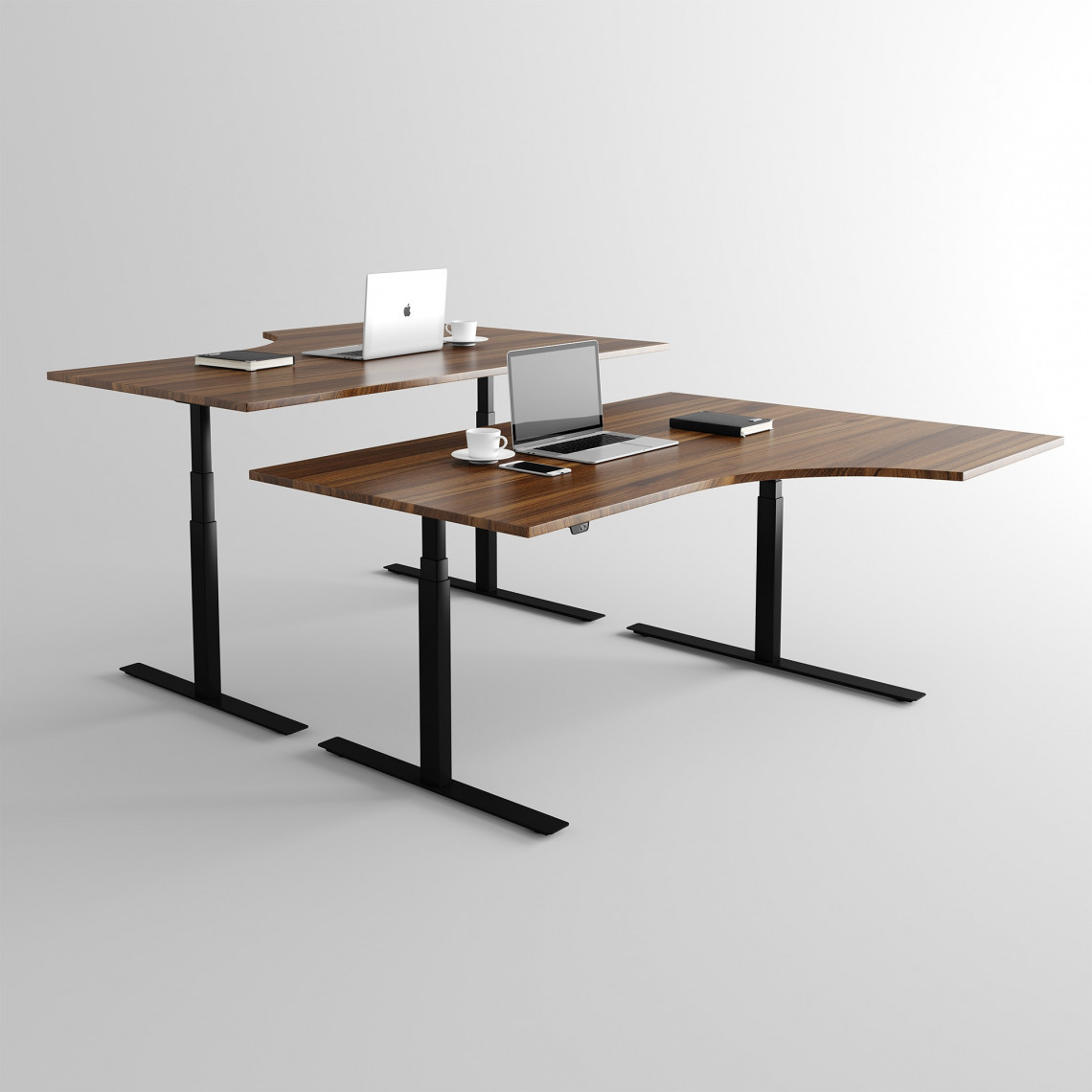
Later this week I will do a full rebuild of my desk to set things up, and I have not yet decided if I should invest in a new desk at the same time. There is nothing wrong with my desk, but it is a bit short and I would like to have that walnut desk top. I am also considering getting a desktop that is arched with a short extra right side. Not sure if that would work in my very limited space, but I am considering it.
I am also contemplating getting a new chair since this one is a bit stiff and I do have lower back issues to consider. Not sure what to get, though, so I'll hold off for now. I might get something like the Secretlab Titan Evo 2022, but I have not decided yet. For now, I'll keep my existing one and focus on other things, like how to fit a good camera angle with a 48-inch TV as monitor...
That is probably my biggest issue right now, since my lighting setup will be very dependent on how I set up my camera. With a 48-inch TV, standing on a small shelf as well, I tend to look up towards the top of the screen quite a lot. My face is in a pretty good spot facing the center, or slightly above the center of the screen, but to get to the top of the screen I have to tilt my head up a fair bit.
Having a camera at that height might look weird. Like me looking up towards the people watching the video or stream. I do have a second camera for screen sharing, so maybe that will be less of an issue than I imagine it. Once I get the new camera and have it setup, I might make some changes due to this. Things do get a bit tricky when you have limited space, sitting in a little cave where your closet used to be in your bedroom.
Anyway, first I need to get this sore throat taken care of, then I'll just focus on making content and let things evolve from there. I do not expect to become a huge YouTube star anyway, just to publish some instructional videos here and there.
So, off we go 🙂
Recommended Comments
Create an account or sign in to comment