


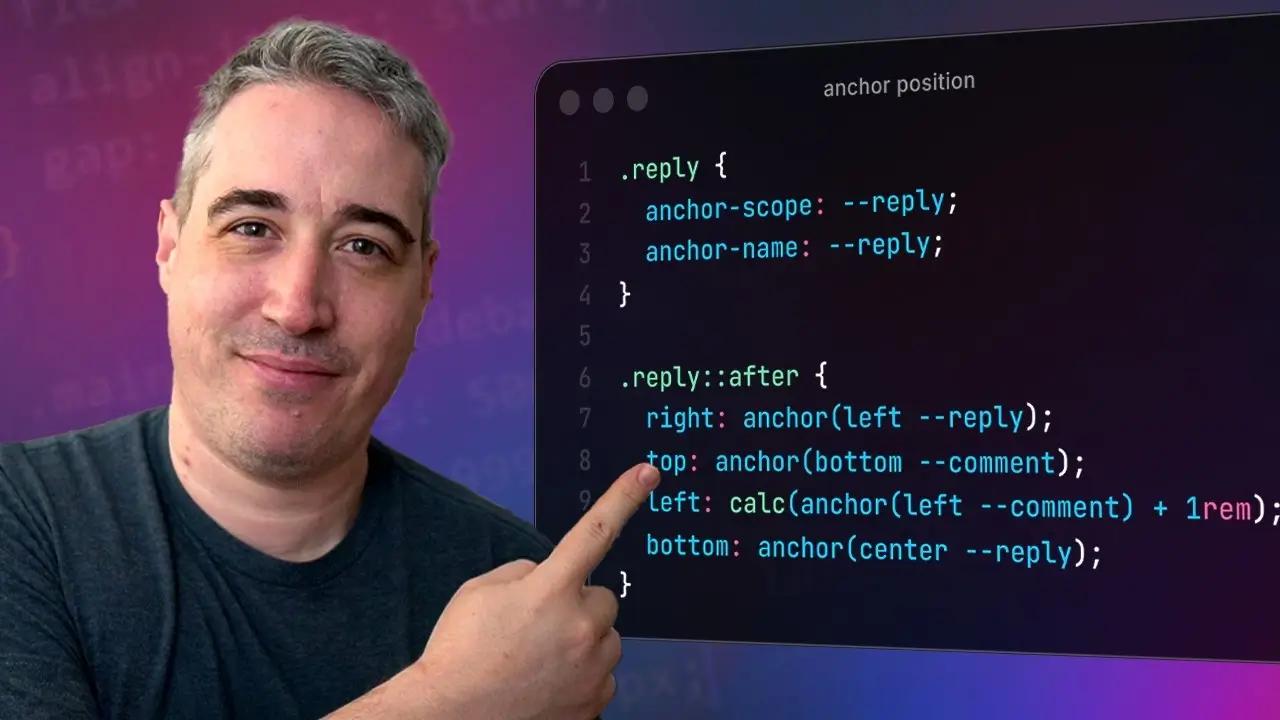
Anchor positioning is great at a lot more than just tooltips!
🔗 Links
✅ OddBird article I mentioned on fixes for when anchor positioning doesn't work: Here’s Why Your Anchor Positioning Isn’t Working: https://www.oddbird.net/2025/01/29/an...
✉ Keep up to date with everything I'm up to https://www.kevinpowell.co/newsletter
💬 Come hang out with other devs in my Discord Community
⭐ Are you a beginner? HTML & CSS for absolute beginners is for you: https://learn.kevinpowell.co
🎓 Start writing CSS with confidence with CSS Demystified: [https://cssdemystified.com](https://cssdemystified.com/)
🚀 Already mastered CSS? Check out my advanced course, Beyond CSS: https://www.beyondcss.dev/ --- Help support my channel 👨🎓 Get a course: https://www.kevinpowell.co/courses
👕 Buy a shirt: https://cottonbureau.com/people/kevin...
💖 Support me on Patreon:
 / kevinpowell or through YT memberships:
  / @kevinpowell
 / discord
 ---
⌚ Timestamps
--
🧑💻 My editor: VS Code - https://code.visualstudio.com/
🌈 My theme: One Dark Pro Var Night
🔤 My font: Cascadia Code
---
I'm on some other places on the internet too! If you'd like a behind the scenes and previews of what's coming up on my YouTube channel: Bluesky: https://bsky.app/profile/kevinpowell.co Codepen: https://codepen.io/kevinpowell/ Github: https://github.com/kevin-powell --- And whatever you do, don't forget to keep on making your corner of the internet just a little bit more awesome!









Recommended Comments
Create an account or sign in to comment