Skip to content
View in the app

A better way to browse. Learn more.

JimiWikman.se

A full-screen app on your home screen with push notifications, badges and more.

To install this app on iOS and iPadOS
  1. Tap the Share icon in Safari
  2. Scroll the menu and tap Add to Home Screen.
  3. Tap Add in the top-right corner.
To install this app on Android
  1. Tap the 3-dot menu (⋮) in the top-right corner of the browser.
  2. Tap Add to Home screen or Install app.
  3. Confirm by tapping Install.

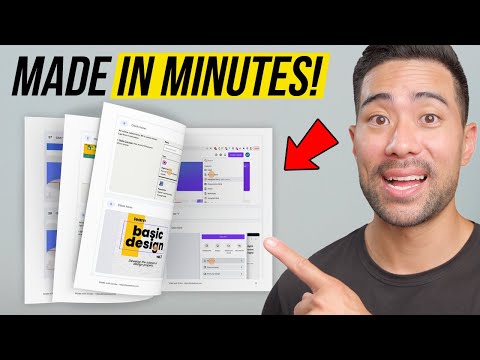
This App Makes Step-by-Step Guides in Minutes!

Want to learn how to create beautiful step-by-step guides and eBooks in just minutes? Well, I found a super useful tool that can do it without you having to spend hours making your guides!

All you need to do is:

  1. Hit the 'Start Recording' button
  2. Do your task as you normally would
  3. Stop the recording once you've completed

...and bam...You've got a beautiful looking step-by-step guide, complete with screenshots that were automatically captured, a description with each step...and it's all ready for you to sell to your audience or share with team members.

🚀 Get started with Scribe here: https://scribe.how/aurelius
Added By 💫 Jimi Wikman

Submitted:

User Feedback

Recommended Comments

There are no comments to display.

Create an account or sign in to comment

My Latest Videos

Account

Navigation

Search

Search

Configure browser push notifications

Chrome (Android)
  1. Tap the lock icon next to the address bar.
  2. Tap Permissions → Notifications.
  3. Adjust your preference.
Chrome (Desktop)
  1. Click the padlock icon in the address bar.
  2. Select Site settings.
  3. Find Notifications and adjust your preference.





