


Atlassian Events
8 Atlassian videos in this category
-
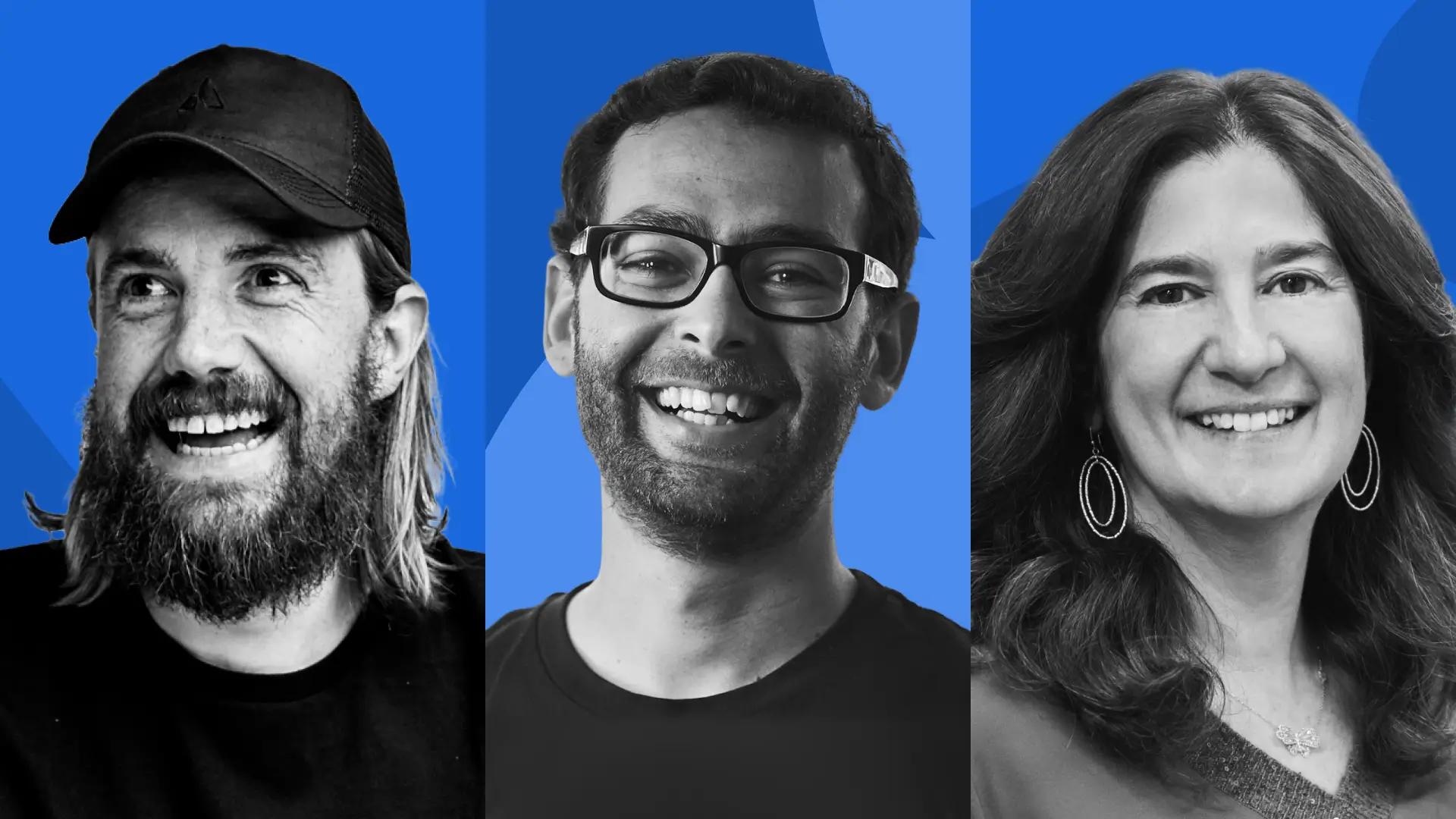 It’s time to reimagine teamwork for the AI era. Join Atlassian leaders Mike Cannon-Brookes, Sherif Mansour, and Tamar Yehoshua to hear how human-AI teams collaborating in one system of work will propel your entire organization forward.
 -
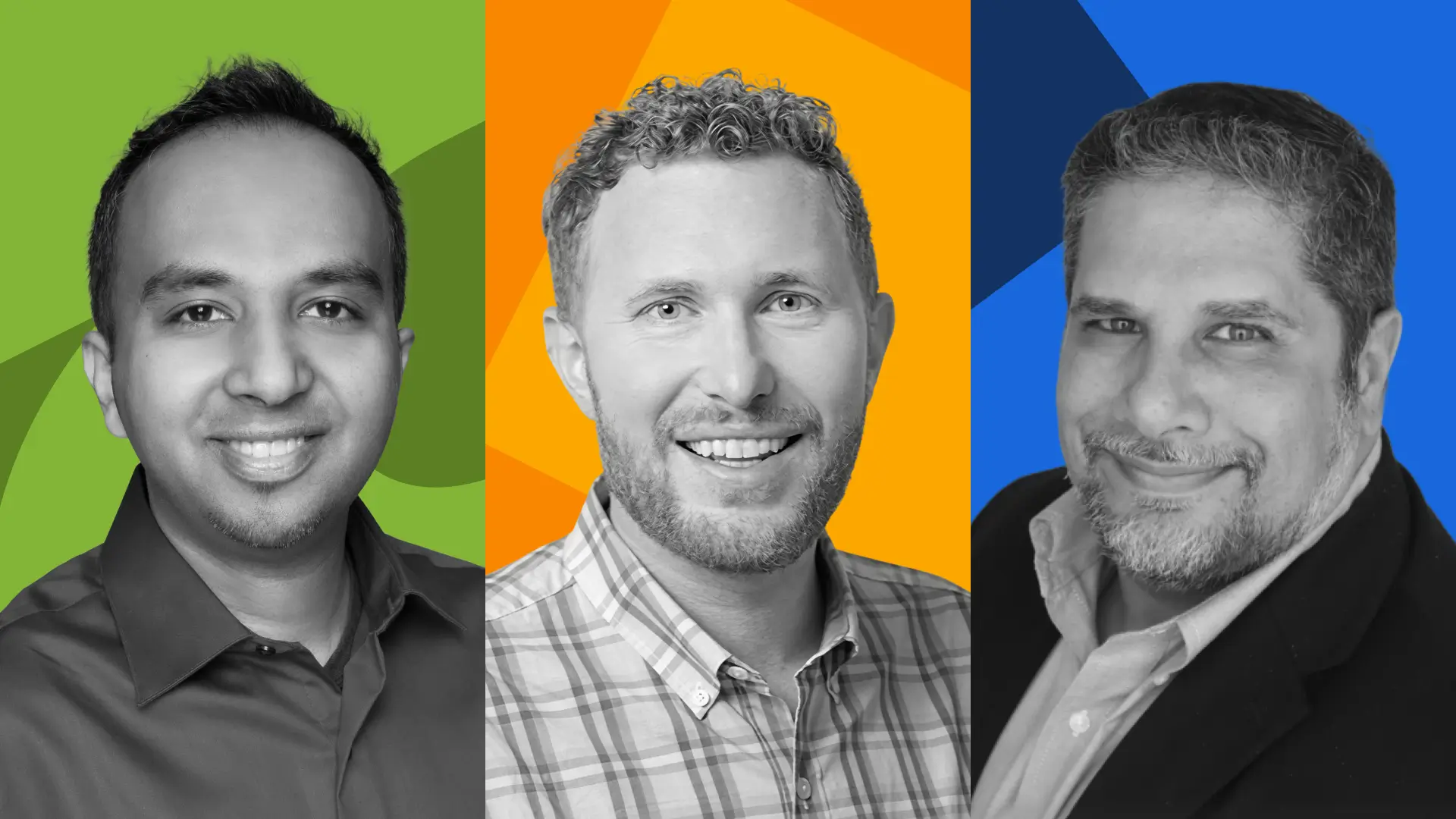 As organizations work to bring humans, agents, and automation together, teamwork is getting even more complex. If your AI strategy feels like a collection of one-off experiments layered onto disconnected tools and siloed knowledge, join Atlassian leaders to see how Teamwork Collection brings together Jira, Confluence, Loom, and Rovo into a connected foundation for human-AI collaboration at scale. Key takeaways: See new AI capabilities in Jira, Confluence and Loom in action – surfacing context, r
 -
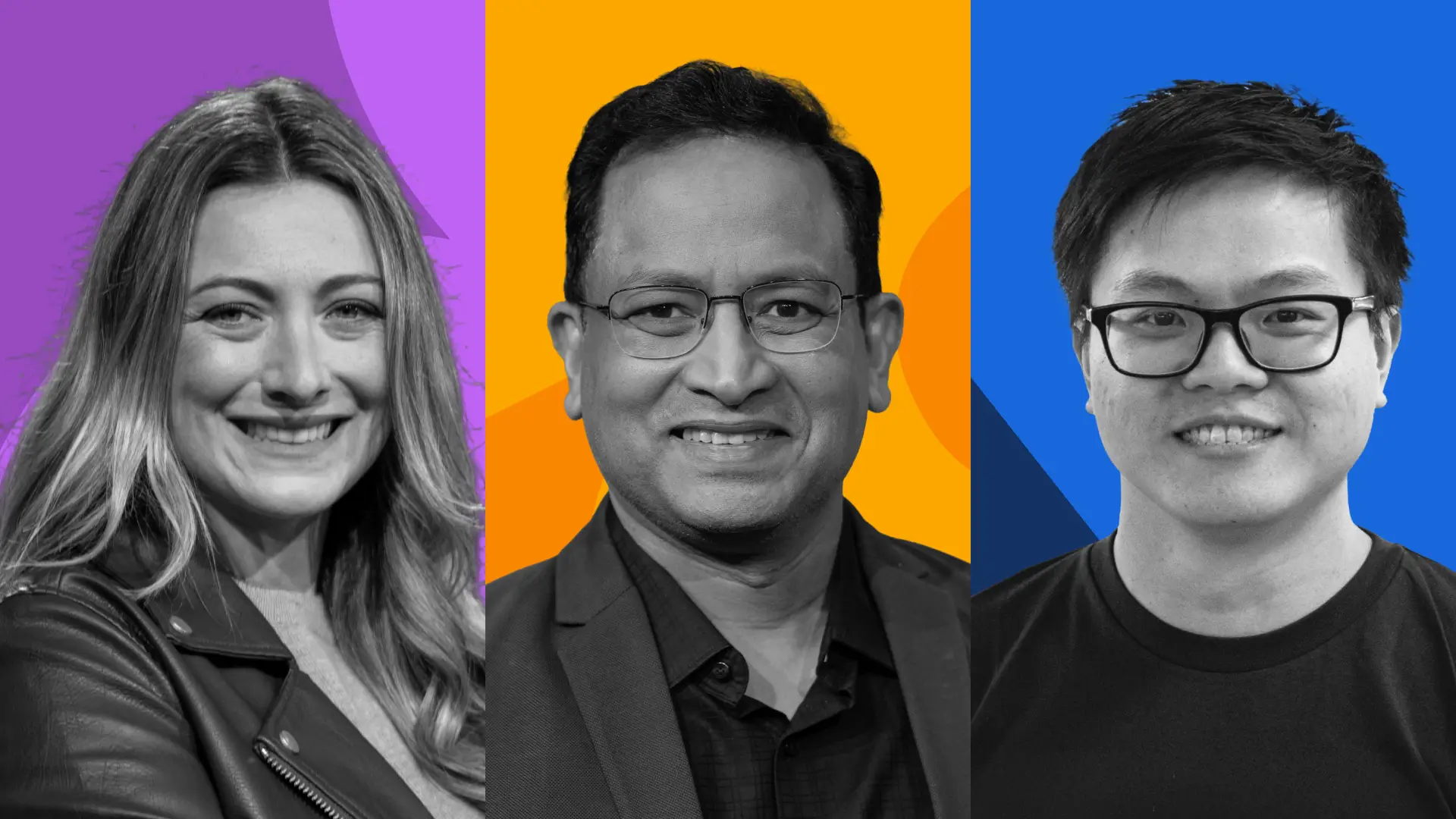 AI is transforming how businesses operate and leaders are being held to higher expectations. Service must be unified, intelligent, and resilient across your entire organization, not patched together and slowed down by legacy constraints. Learn how Atlassian’s AI-powered Service Collection, including Jira Service Management, Customer Service Management, Assets, and Rovo, enables teams to meet this moment.
 -
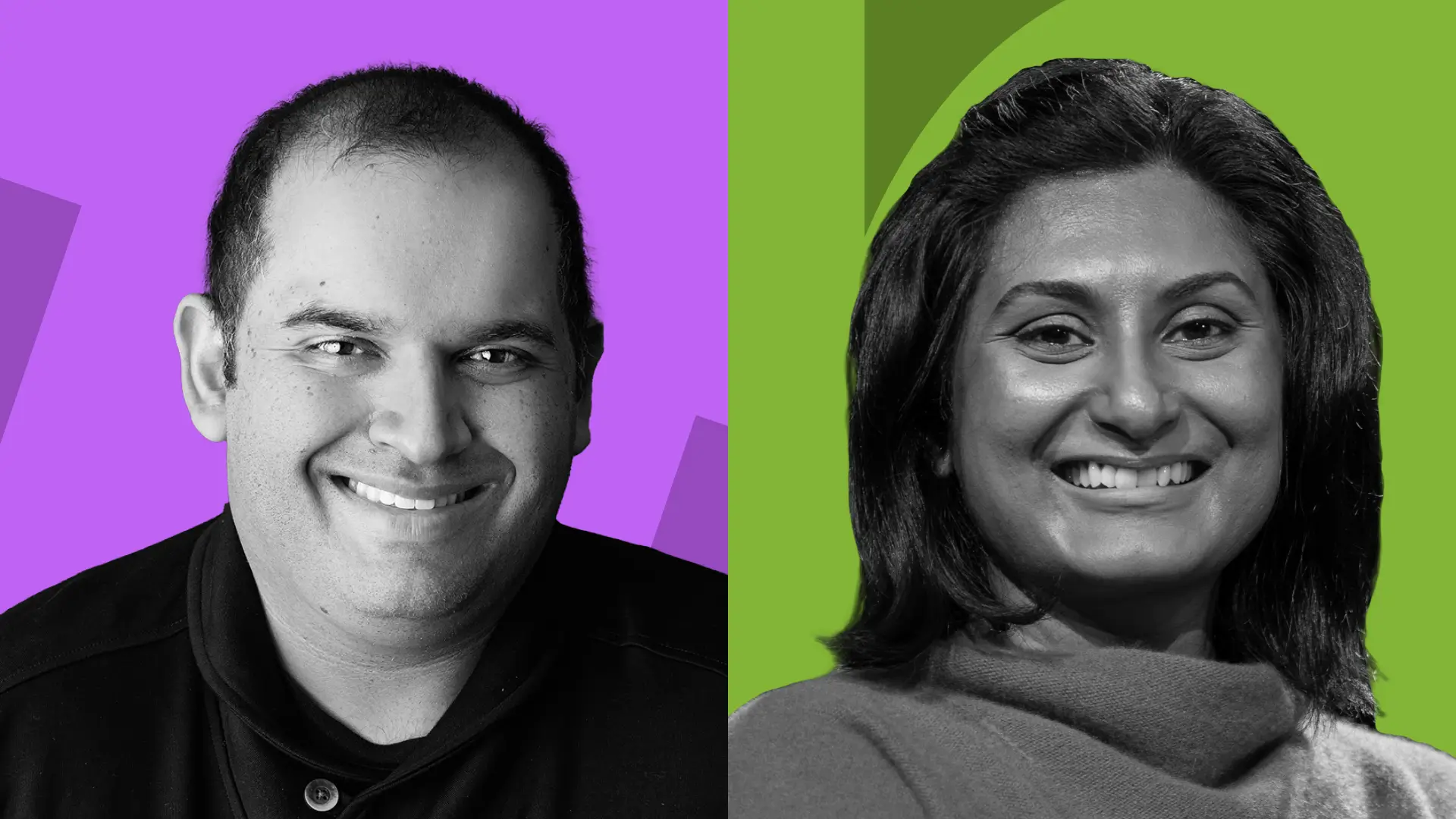 AI shouldn’t just support individuals. It should actively move work forward for teams and organizations. In this keynote, we’ll show how Rovo, powered by the Teamwork Graph, understands your business end to end – who’s working on what, where knowledge lives, and how work flows across teams. With that context, Rovo doesn’t just surface answers, it takes action. Through live demos and real-world examples of human-AI collaboration, you’ll see how teams set intent while Rovo orchestrates multi-step
 -
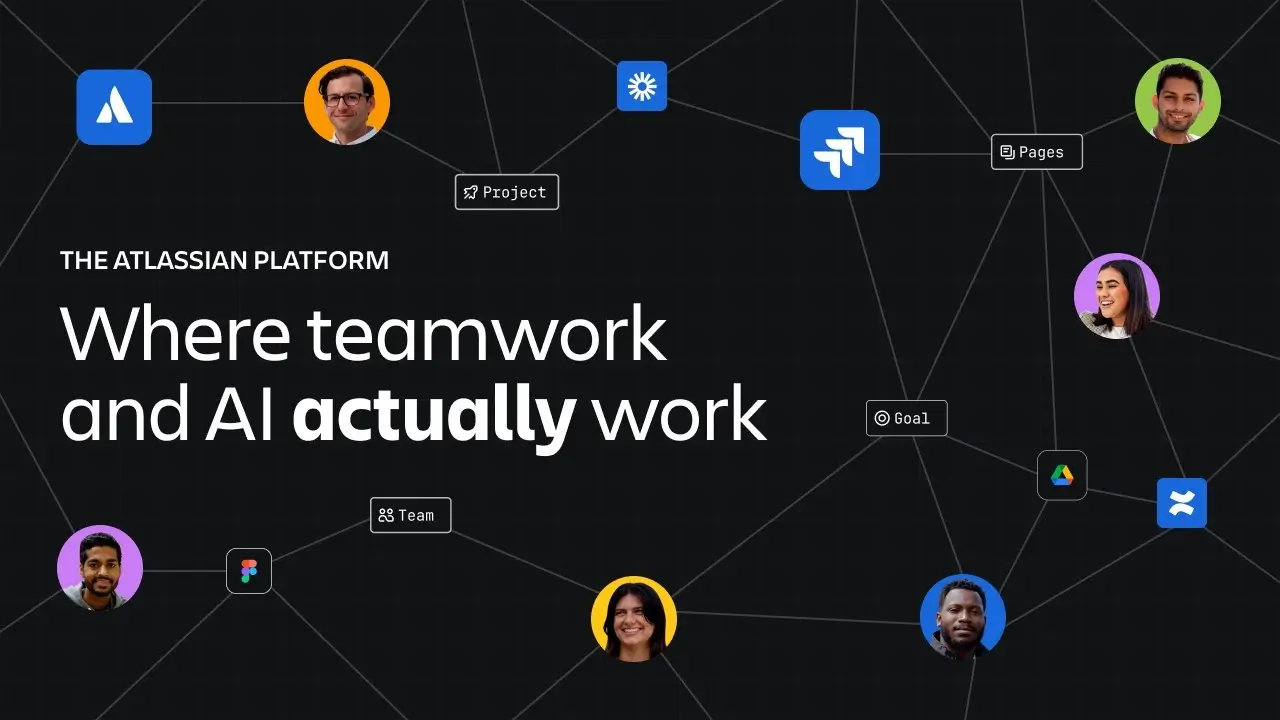 Most AI fails at work because it's disconnected from your goals, workflows, and context. The Atlassian Platform changes that. It's powered by the Teamwork Graph—your organization's living memory. Drawing on 20 years of understanding how the best teams operate, the Platform gets smarter the more you connect, enabling teams and agents to work together, your way. This delivers the outcomes that matter, with complete visibility and control. Trusted by over 350,000 customers and powering 60% of the F
 -
.jpg.3f0c0b93d1f25085f7c155d77843ee3d.jpg) Join AI governance practitioners from Atlassian and Okta to learn how they build frameworks to govern AI agents responsibly. Discover how to build trust in AI-driven work and gain practical steps for creating governance frameworks that support the onboarding of AI agents across teams, ensure accountability, and embed governance into every phase of AI adoption. Check out more exciting announcements and stories from Team '25 Europe online here: events.atlassian.com/teameurope About Atlassian: Behi
Join AI governance practitioners from Atlassian and Okta to learn how they build frameworks to govern AI agents responsibly. Discover how to build trust in AI-driven work and gain practical steps for creating governance frameworks that support the onboarding of AI agents across teams, ensure accountability, and embed governance into every phase of AI adoption. Check out more exciting announcements and stories from Team '25 Europe online here: events.atlassian.com/teameurope About Atlassian: Behi -
.jpg.5eddfd324681363aba49b1cfac784037.jpg) Couldn’t make it to Atlassian Team ’25 in Anaheim? No worries—Bryan Darr, Atlassian Certified expert from Valiantys, recaps 3 full days of announcements, insights, and strategy shifts in just 20 minutes. In this video, Bryan breaks down the real takeaways you need to know—from headline features to subtle shifts in Atlassian’s product strategy. 📌 What’s covered: 🔍 Rovo – Atlassian’s new AI-powered search, free for all paid product tiers 🧠 AI features – Smarter, faster work across the platform 🛠️
Couldn’t make it to Atlassian Team ’25 in Anaheim? No worries—Bryan Darr, Atlassian Certified expert from Valiantys, recaps 3 full days of announcements, insights, and strategy shifts in just 20 minutes. In this video, Bryan breaks down the real takeaways you need to know—from headline features to subtle shifts in Atlassian’s product strategy. 📌 What’s covered: 🔍 Rovo – Atlassian’s new AI-powered search, free for all paid product tiers 🧠 AI features – Smarter, faster work across the platform 🛠️ -
.jpg.26aba6effe608a9d4bdf701373c61f92.jpg) Experience the future of teamwork, live from Barcelona. Join Mike Cannon-Brookes and Anu Bharadwaj as they unveil the latest innovations in human-AI collaboration and reveal how teams everywhere can achieve the impossible together. Check out more exciting announcements and stories from Team '25 Europe online here: events.atlassian.com/teameurope
Experience the future of teamwork, live from Barcelona. Join Mike Cannon-Brookes and Anu Bharadwaj as they unveil the latest innovations in human-AI collaboration and reveal how teams everywhere can achieve the impossible together. Check out more exciting announcements and stories from Team '25 Europe online here: events.atlassian.com/teameurope

.jpg.3f0c0b93d1f25085f7c155d77843ee3d.jpg)
.jpg.5eddfd324681363aba49b1cfac784037.jpg)
.jpg.26aba6effe608a9d4bdf701373c61f92.jpg)