


Imagine if you could create a linked ticket directly from inside an Asset object
- Views 805
- Created
- Last Reply

A better way to browse. Learn more.
A full-screen app on your home screen with push notifications, badges and more.
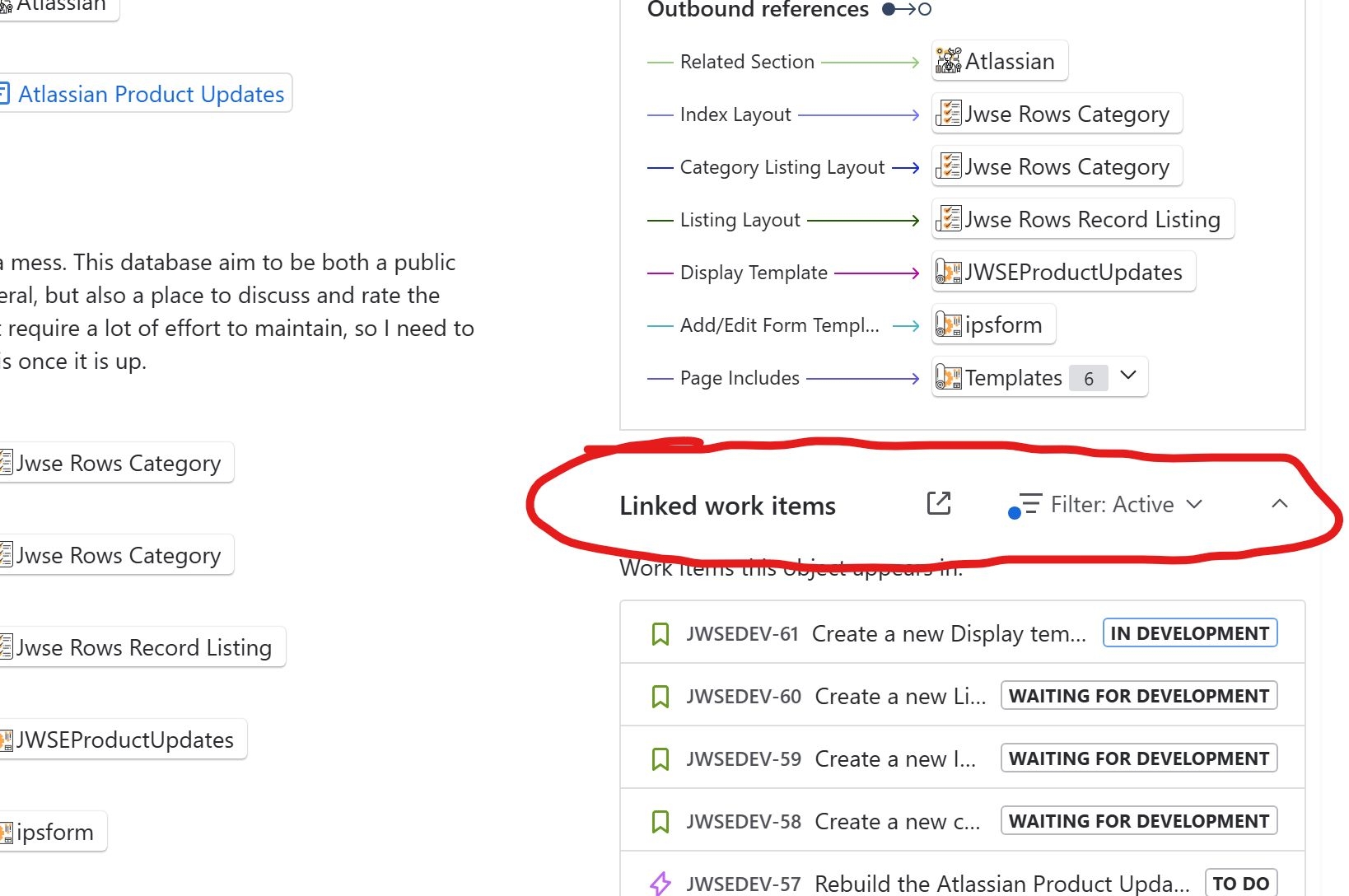
Imagine if you could create a linked ticket directly from inside an Asset object, and you get a popup right there to create it? I know not all projects might have a custom field to link them, but maybe we can add detectors for other things...Like adding native functionality to link asset objects without having to use a custom field?
For the button, the use case would be if you are working with the data in assets and realise that there is an activity you need to do for an asset, then you don't have to leave to a space to log that ticket.
It can be, for example, if you are working with networks, for example, where you realise that one of your routers should be replaced soon, so you want to add a purchase order, or maybe you realize that the current architecture needs a restructure, so you want to add an architect task. Perhaps you just want to add a documentation task to something (and yes, having Confluence links open up in the sidebar would be AWESOME!)