Skip to content
View in the app

A better way to browse. Learn more.

JimiWikman.se

A full-screen app on your home screen with push notifications, badges and more.

To install this app on iOS and iPadOS
  1. Tap the Share icon in Safari
  2. Scroll the menu and tap Add to Home Screen.
  3. Tap Add in the top-right corner.
To install this app on Android
  1. Tap the 3-dot menu (⋮) in the top-right corner of the browser.
  2. Tap Add to Home screen or Install app.
  3. Confirm by tapping Install.

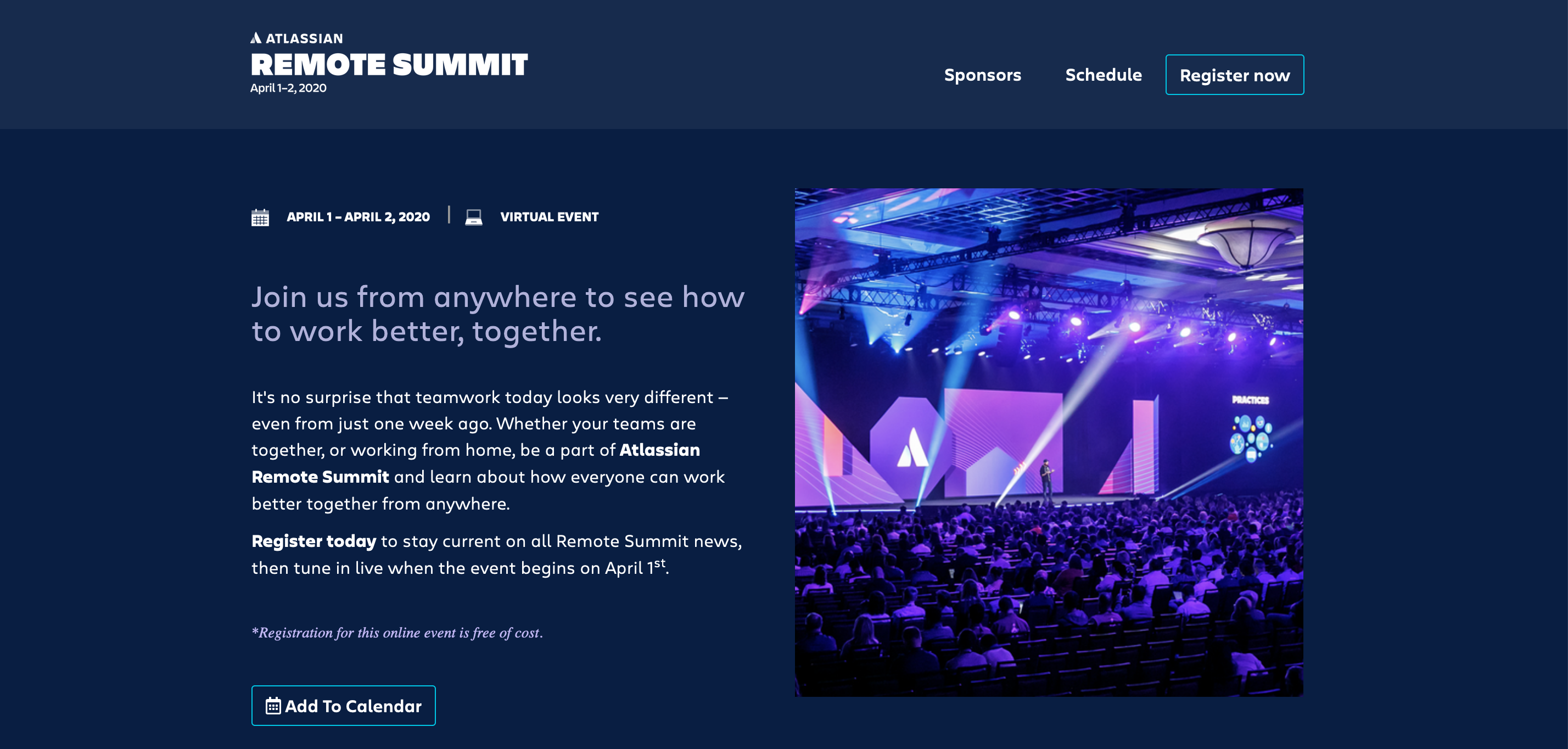
Atlassian Remote Summit

(0 reviews)

Join us from anywhere to see how to work better, together.

It's no surprise that teamwork today looks very different — even from just one week ago. Whether your teams are together, or working from home, be a part of Atlassian Remote Summit and learn about how everyone can work better together from anywhere.

Register today to stay current on all Remote Summit news, then tune in live when the event begins on April 1st


*Registration for this online event is free of cost.

User Feedback

Create an account or sign in to leave a review

There are no reviews to display.

Account

Navigation

Search

Search

Configure browser push notifications

Chrome (Android)
  1. Tap the lock icon next to the address bar.
  2. Tap Permissions → Notifications.
  3. Adjust your preference.
Chrome (Desktop)
  1. Click the padlock icon in the address bar.
  2. Select Site settings.
  3. Find Notifications and adjust your preference.